
If you run a WordPress site with Polylang, you already know the hard part isn't setting up languages — it's filling them in. Polylang gives every page a French, German or Spanish slot, and then leaves you staring at a blank editor for each one. Translating a whole site by hand is the reason so many "multilingual" projects quietly stall with only the homepage done.
AI fixes that. Instead of copy-pasting into a translator and rebuilding each page, you let the plugin read your content, translate it, and drop it straight into the right language — layout and all. Here's how it looks in practice with Meep AI Translator, and the good news is you can do the whole thing on the free plan.
Why add AI to Polylang?
Polylang is great at the structureof a multilingual site — the language switcher, the URLs, keeping each version tidy. What it doesn't do is the actual translating. That's usually a freelancer, a spreadsheet, or a lot of your own evenings.
Pairing it with AI translation for Polylang means a page that used to take an hour takes about a minute, and you spend your time reviewinggood translations instead of writing them from scratch. You keep Polylang doing what it's good at, and hand the busywork to the AI.
Everything in one place
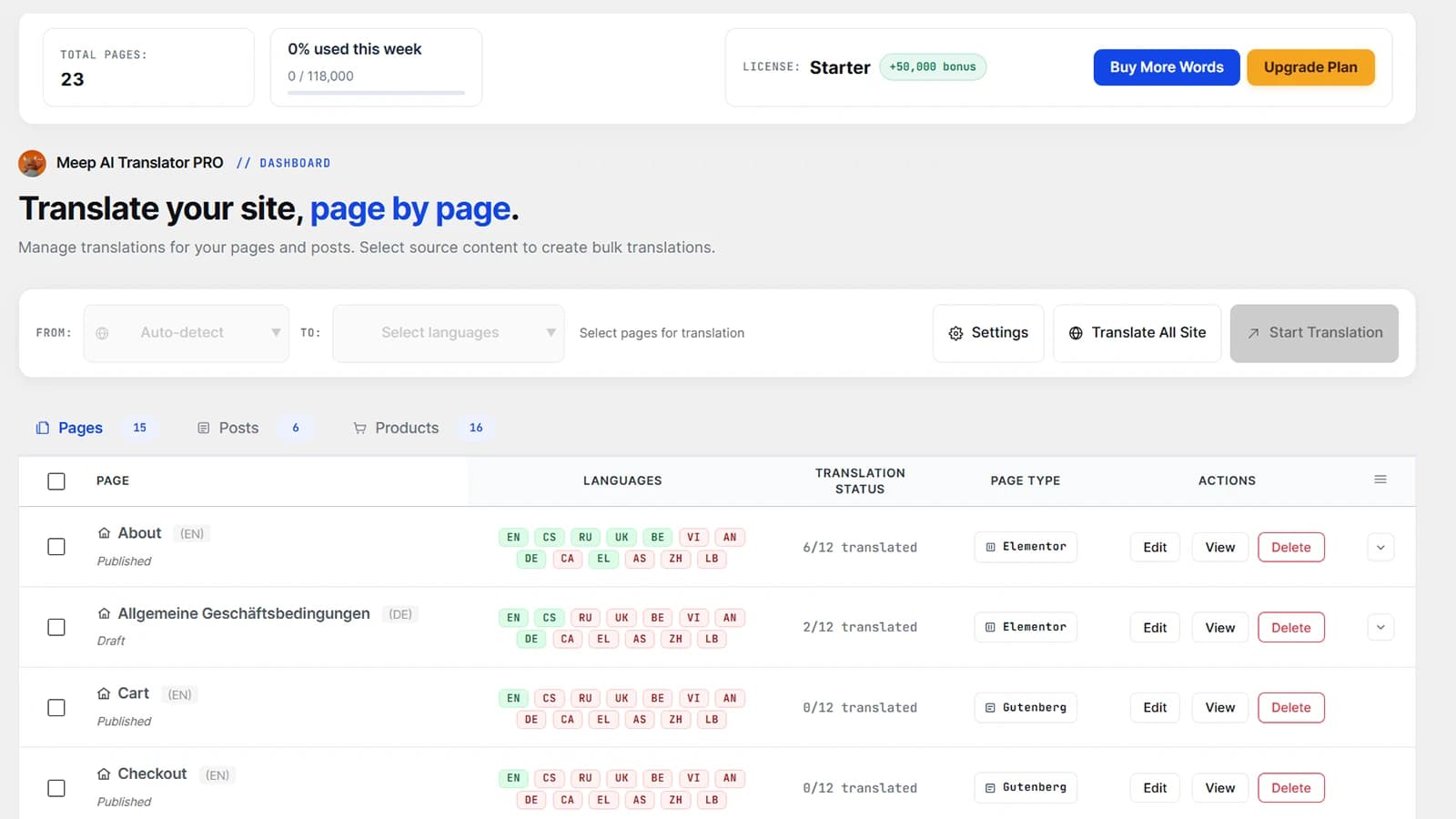
After you install the plugin, all your pages, posts and products show up in a single dashboard with their translation status. No hunting through the editor language by language — you can see at a glance what's translated and what isn't.
Pick your languages once
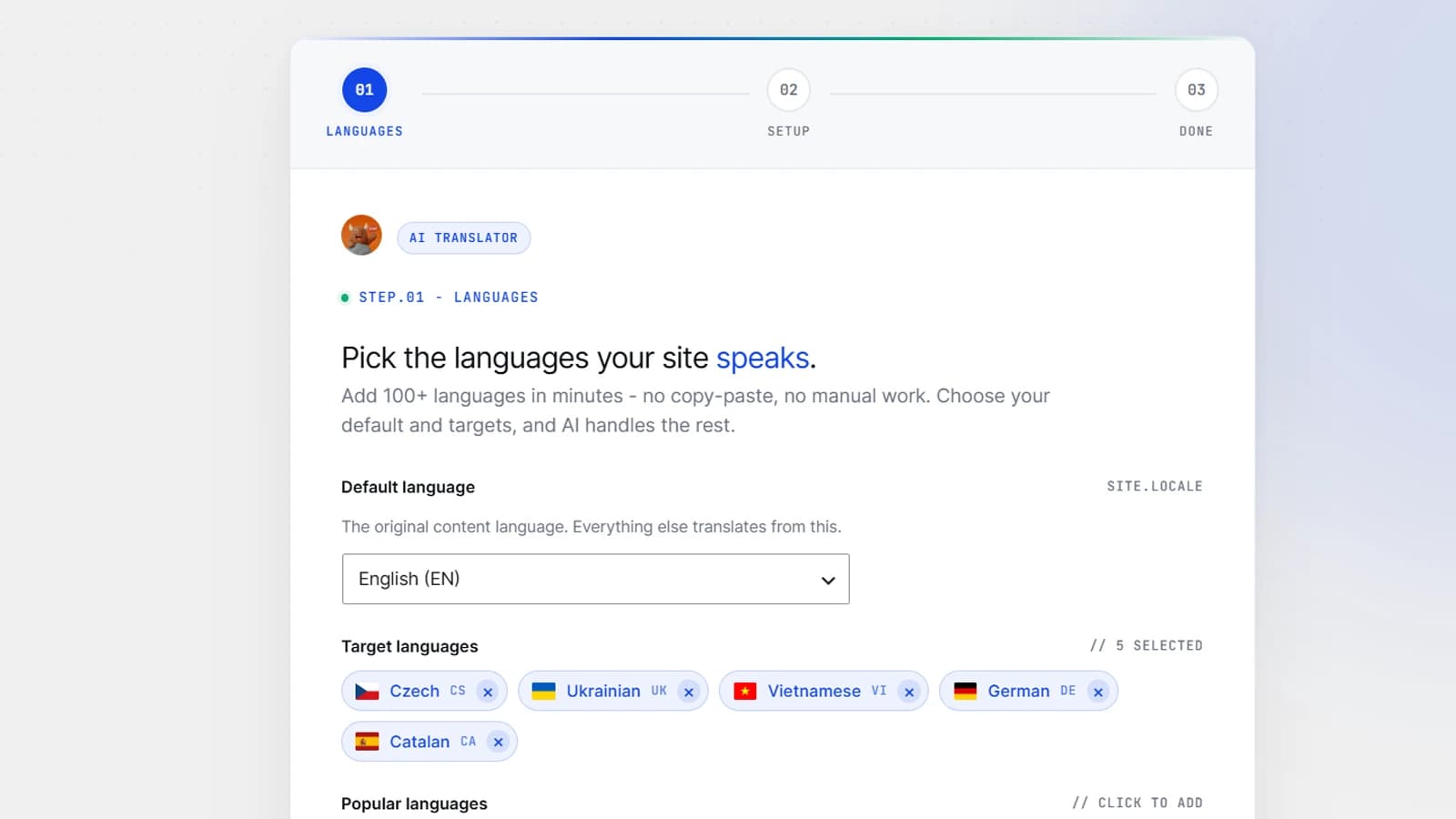
Choose the language your site is written in and the ones you want to add — there are 50+ to pick from. If you already use Polylang's languages, they're respected; if you don't use Polylang at all, the built-in language system covers you. Either way, it's a one-time setup.
Translate a page in one click
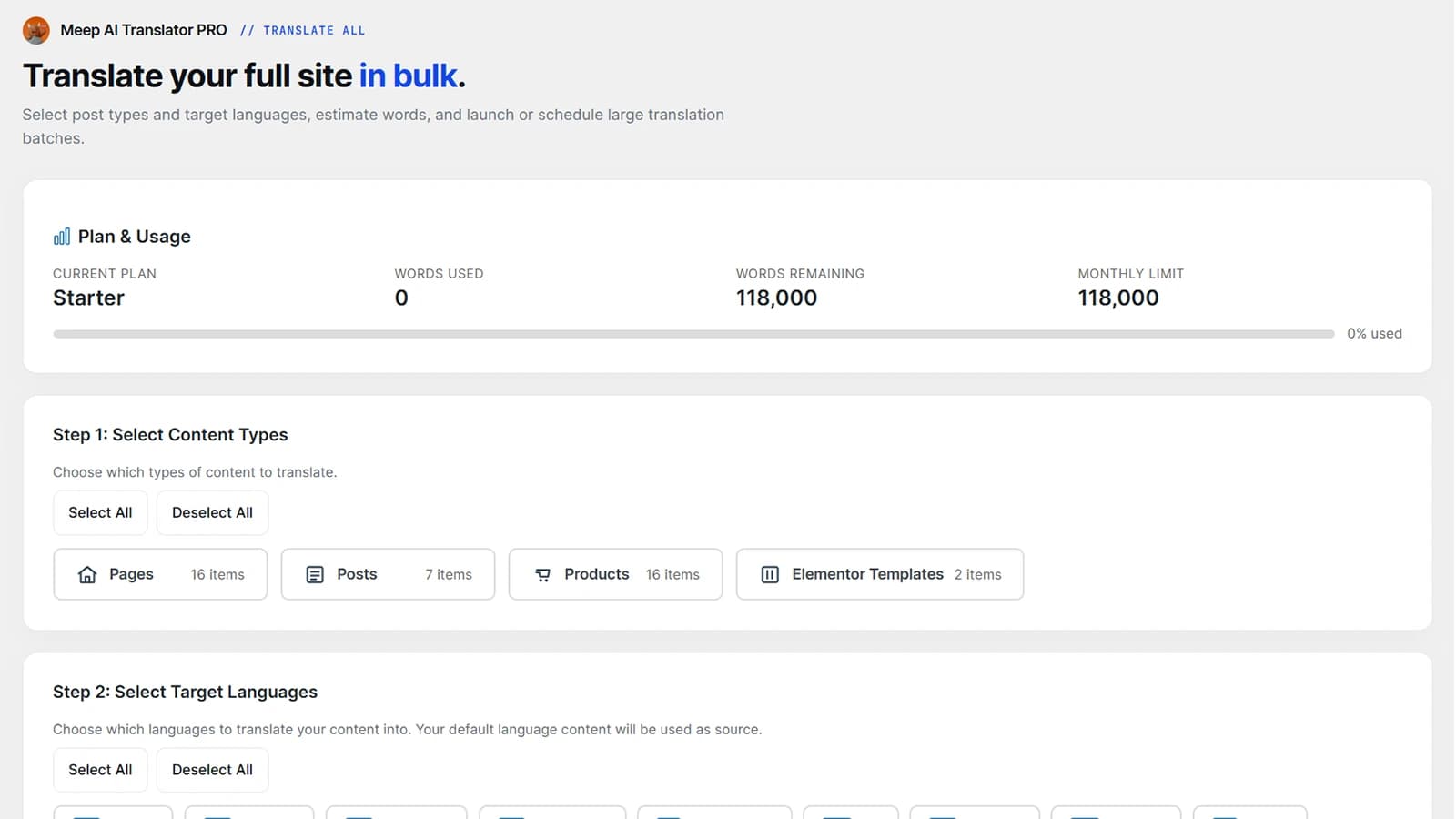
Find a page, click translate, choose the language, and the AI does the rest — headings, buttons, captions, the lot. Because it works on your actual content rather than a screenshot of it, the translated version keeps every column, image and style exactly where it was.
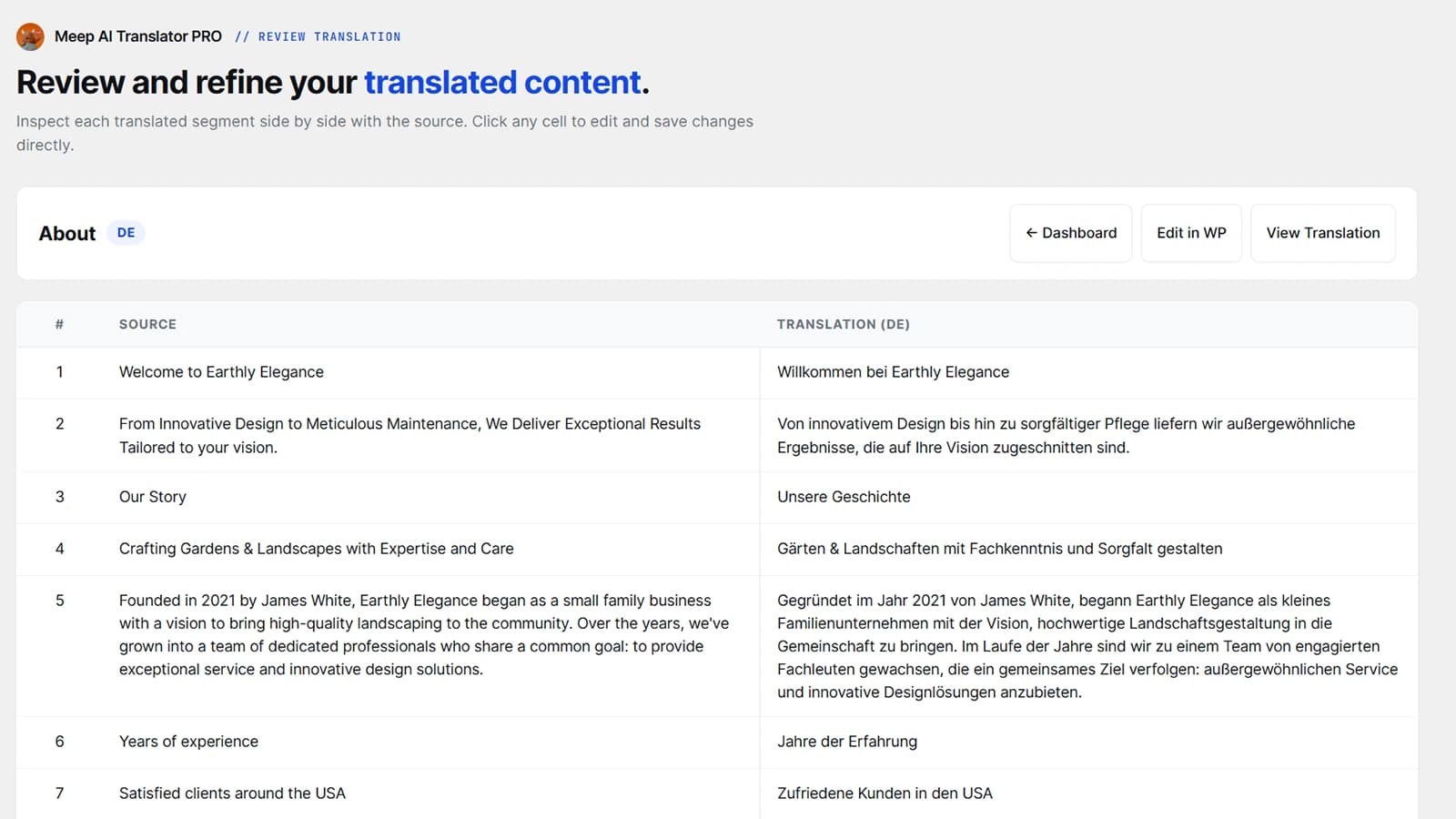
Read it over before it goes live
AI translation is fast and genuinely good, but you should always have the final say — especially on brand names and calls to action. Every translation opens as a draft with the original and the new version side by side. Tweak anything you like, then publish. Nothing shows to visitors until you approve it.
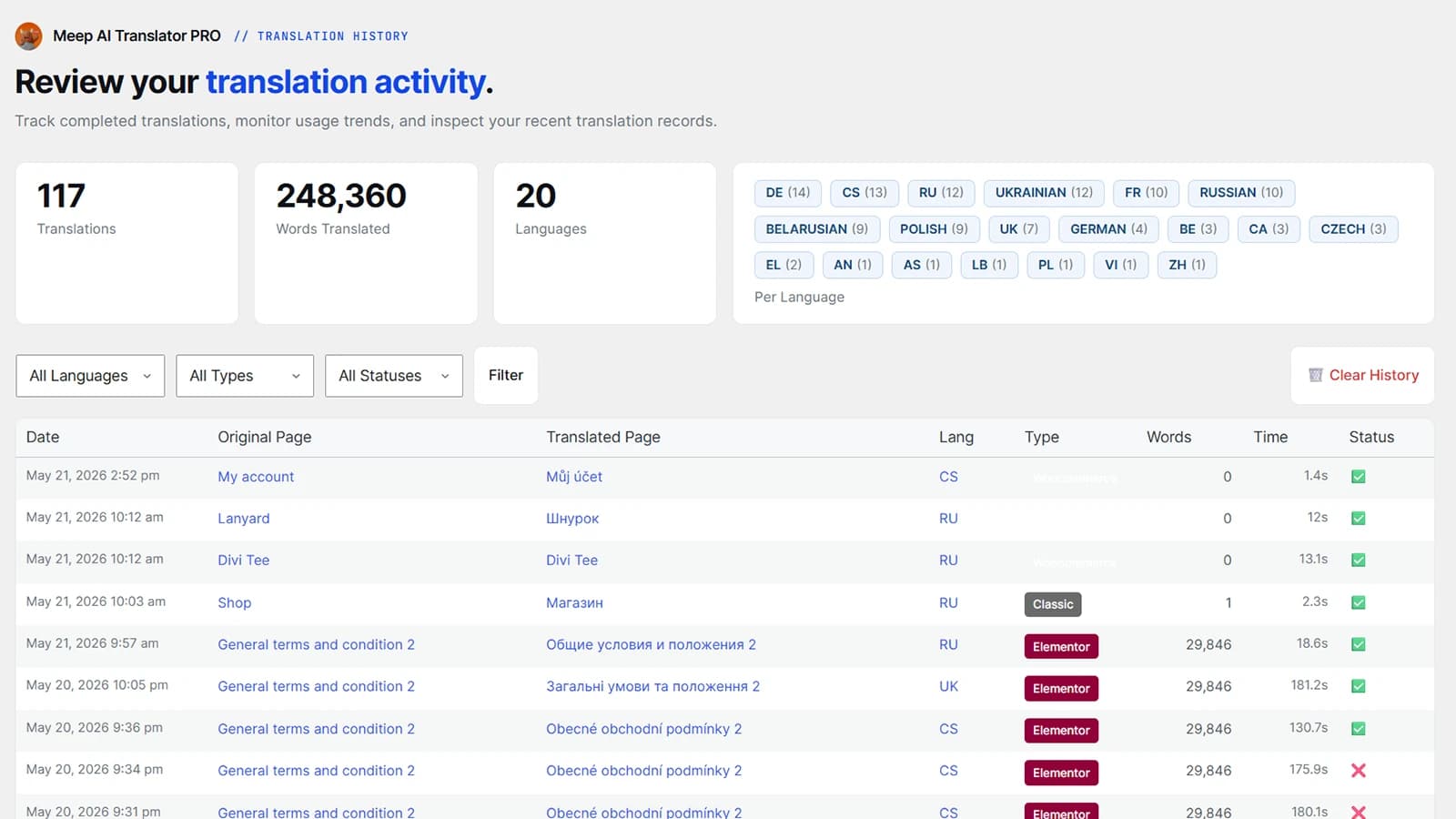
Keep track of everything
As your site grows, a history view keeps every translation in one place, so you can see what's been done, re-run anything you've edited, and keep languages in sync as you update content.
So… is it actually free?
Yes — the free plan translates up to 7,200 words a month, which comfortably covers a small brochure site. Bigger sites and shops move up to a paid plan and pay for the words they translate, not per language. There's no catch and nothing to download outside the normal WordPress plugin install.
Quick questions
Is there a free AI translation option for Polylang?
Yes — a free tier translates up to 7,200 words a month and works right alongside Polylang (or on its own).
Do I have to keep Polylang?
No. It plugs into Polylang if you use it, and has its own built-in language system if you don't.
Will it mess up my design?
No — it translates the words and leaves your layout, images and styling exactly as they were.
Add languages to your Polylang site — free
Install Meep AI Translator, pick a language, and watch your first page translate in about a minute — layout intact, no WPML, and 7,200 free words a month to get going.