

Translating an Elementor website sounds like it should be simple — it's just text, after all. In practice it's where most multilingual projects fall apart. Elementor stores your content as structured JSON where the words live inside the design: headings, buttons, image captions, tabs, accordions and dynamic widgets are all tangled together with layout data. Copy-paste the page into a translator and you either lose the design or spend hours rebuilding it by hand in each language.
This guide shows the reliable way to do it: let an AI translation plugin read the Elementor structure, translate only the text, and write it back — so a German or Spanish version of your page looks pixel-for-pixel like the original. We'll use Meep AI Translator, our own WordPress plugin, but the principles apply to any layout-aware approach. If your site runs Polylang, see our AI translation for Polylang walkthrough.
Why AI beats manual (and generic) translation for Elementor
There are three common ways people try to translate an Elementor site, and two of them cost you either quality or your weekend:
- Duplicate the page and translate by hand. Accurate, but you now maintain two copies of every layout — change the design once and you change it everywhere, forever.
- Generic auto-translate / browser translation. Fast, but it works on rendered HTML, so it mangles widgets, misses dynamic content, and produces pages Google won't index as real translations.
- Layout-aware AI translation. The plugin parses Elementor's block data, translates each text node with an LLM, and rewrites it into an identical copy of the layout. You keep one design and get clean, indexable translated pages.
What you'll need
- A WordPress site built with Elementor (free or Pro). Gutenberg, Classic Editor and WooCommerce work too.
- The Meep AI Translator plugin (free tier includes 7,200 words/month).
- About 10 minutes. No WPML, Polylang or Weglot required — language management is built in.
Install the plugin and pick your languages
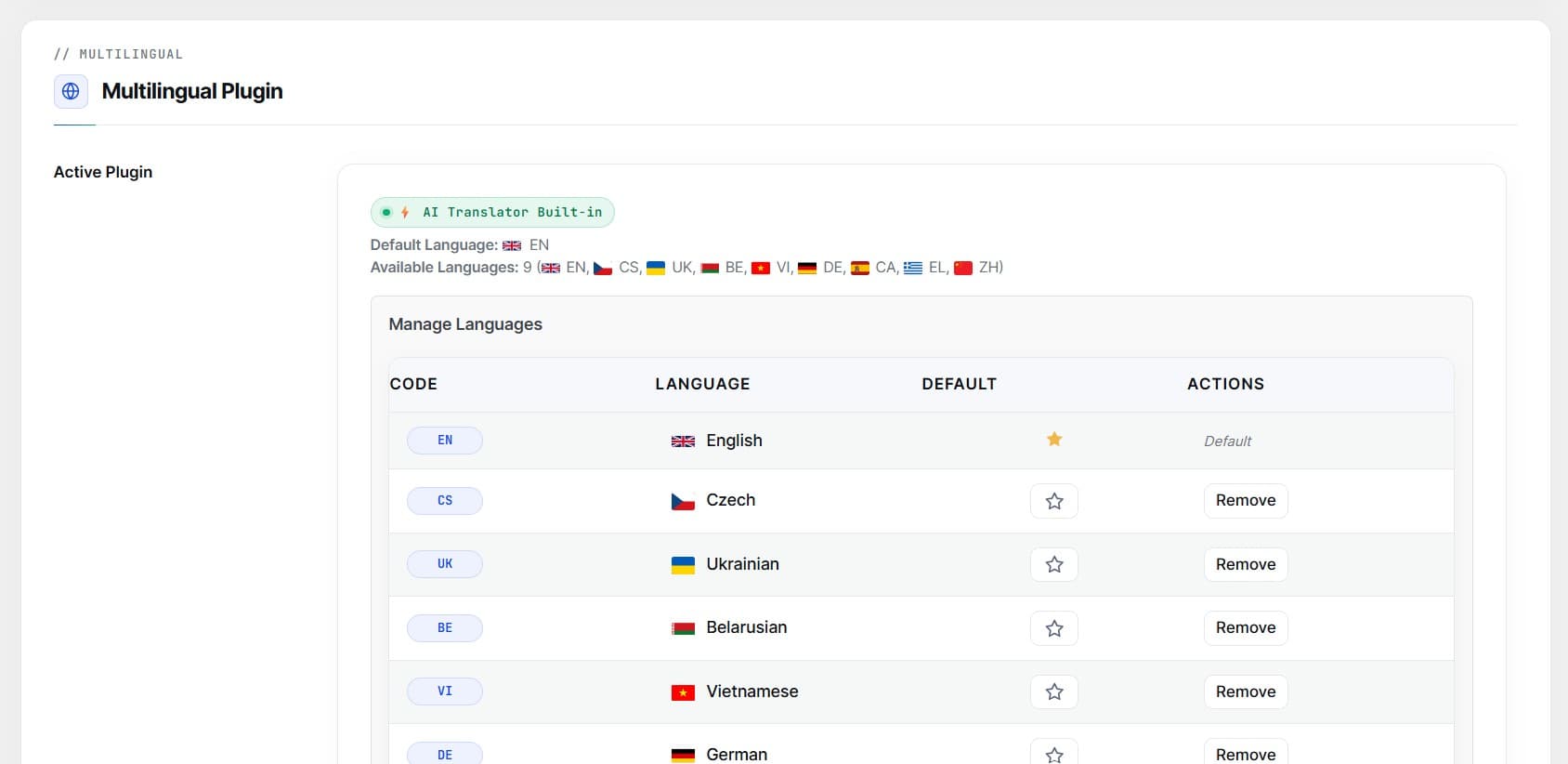
From your WordPress dashboard, go to Plugins → Add New, search for "Meep AI Translator," install and activate it. On first run you'll set your default language (the language your site is written in now) and add one or more target languages from the 50+ available.
That's the only setup that matters up front. The plugin registers the language routing (for example yoursite.com/de/ for German) and adds a language switcher you can place later.
Translate an Elementor page
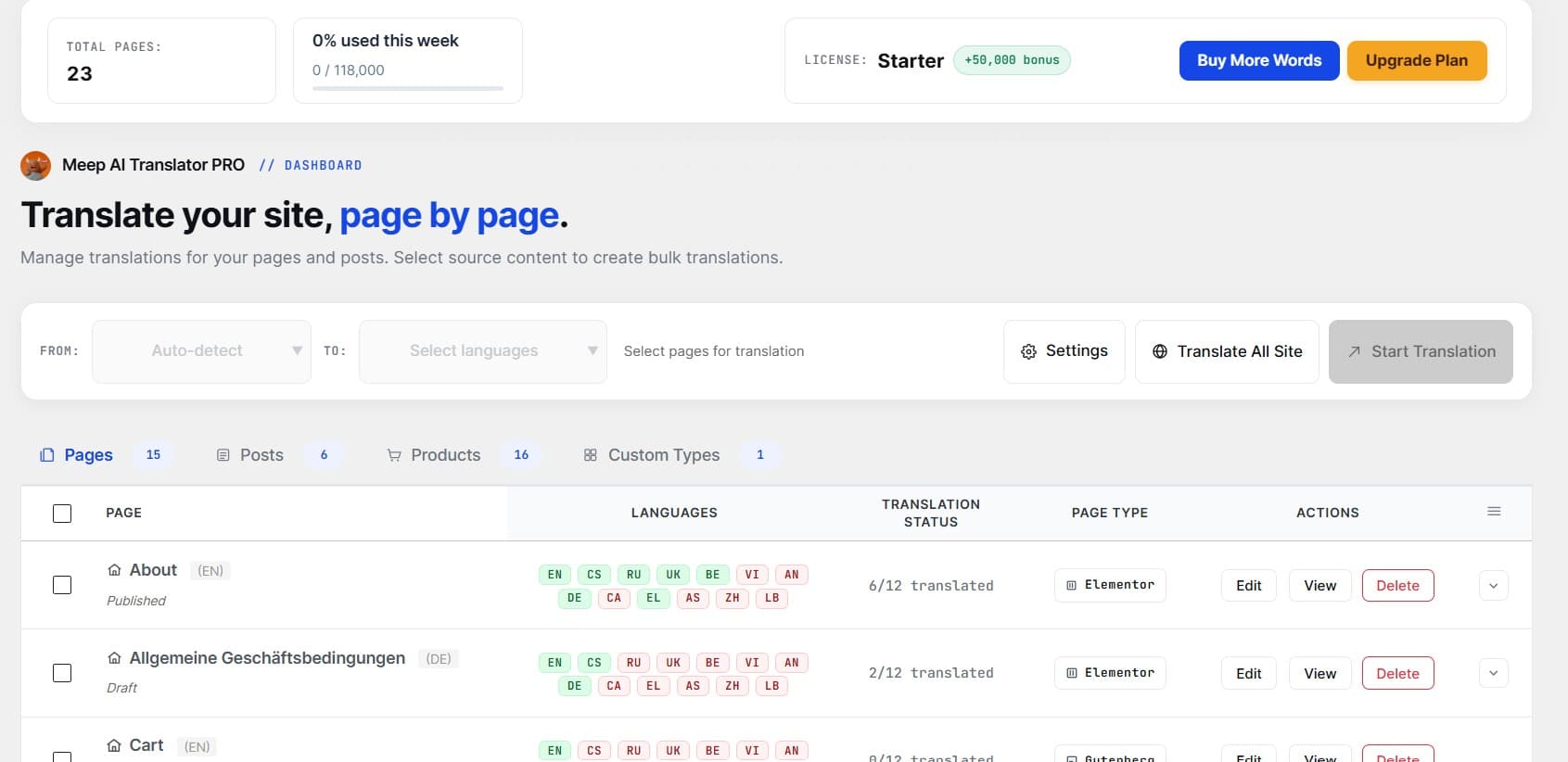
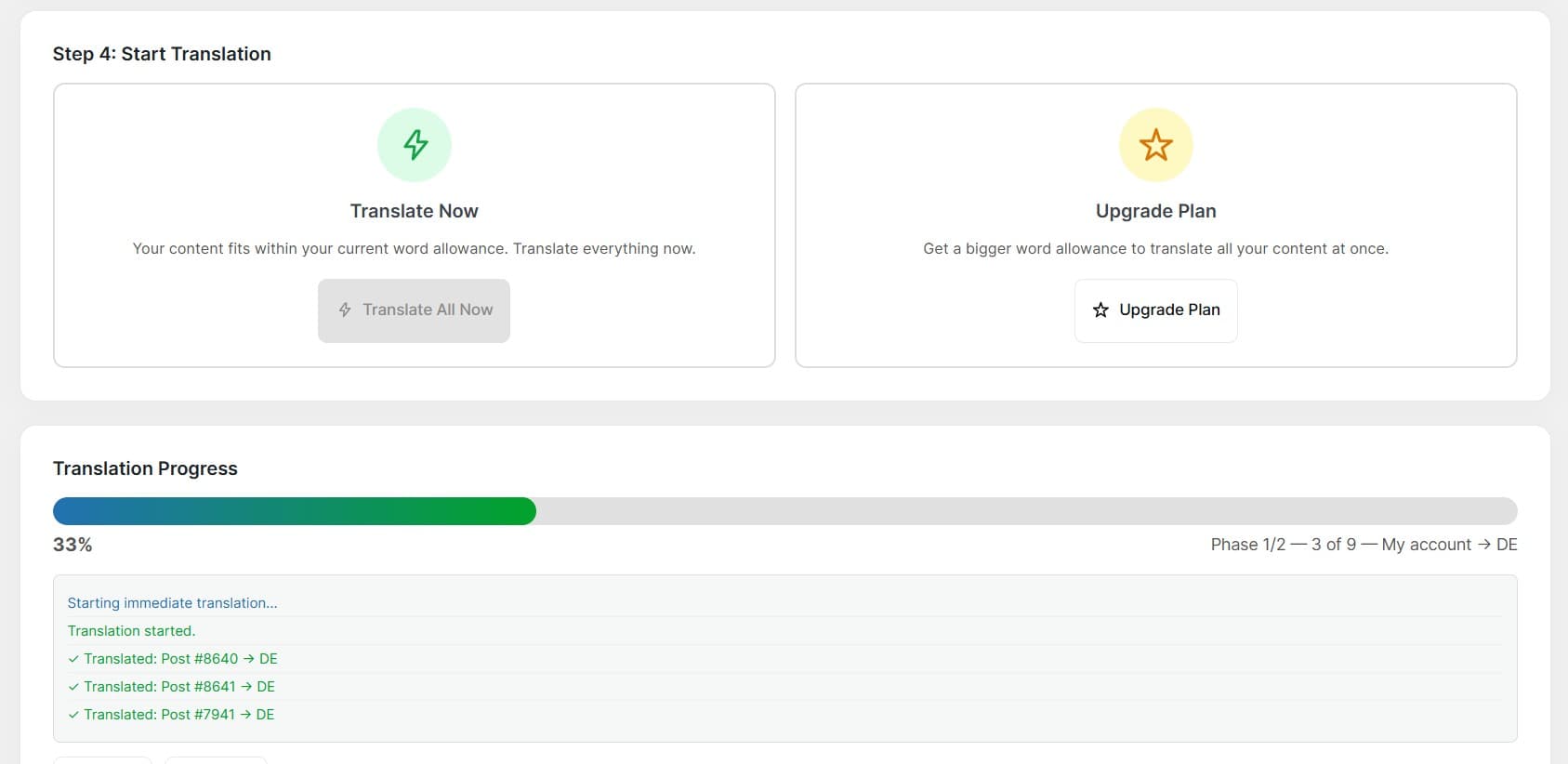
Open the plugin dashboard and find the page you want to translate in the list. Click Translate, choose the target language, and the plugin scans the Elementor data, extracts every translatable string, and sends it to the AI. A few seconds later you have a full translated copy of the page — same sections, same widgets, same spacing.
Use the interactive slider below to inspect how the layout, image placement, and styling remain untouched after translation:


Because the plugin works on the block structure rather than the rendered HTML, tricky widgets — tabs, accordions, icon boxes, call-to-action buttons, even WooCommerce product blocks — come through translated and fully functional.
Review and refine before publishing
AI translation is fast and surprisingly good, but you should always own the final wording — especially for brand terms, product names and calls to action. Each translated page opens as a draftin a review screen that shows the source and translated text side by side. Edit any segment inline, then publish when you're happy.
Two features save real time here: Exclude Words keeps brand names and technical terms untranslated across the whole site, and Retranslatere-runs a page after you've adjusted those rules. Nothing is ever shown to visitors until you hit publish.
Ship it right: URLs, SEO and the switcher
A translated page is only useful if visitors and search engines can find it. This is handled for you:
- Translated slugs — each language gets its own clean URL, so
/about/becomes/de/ueber-uns/, which reads better and ranks better. - SEO meta — titles and descriptions from Yoast, Rank Math and SEOPress are translated too, so your multilingual pages have proper metadata.
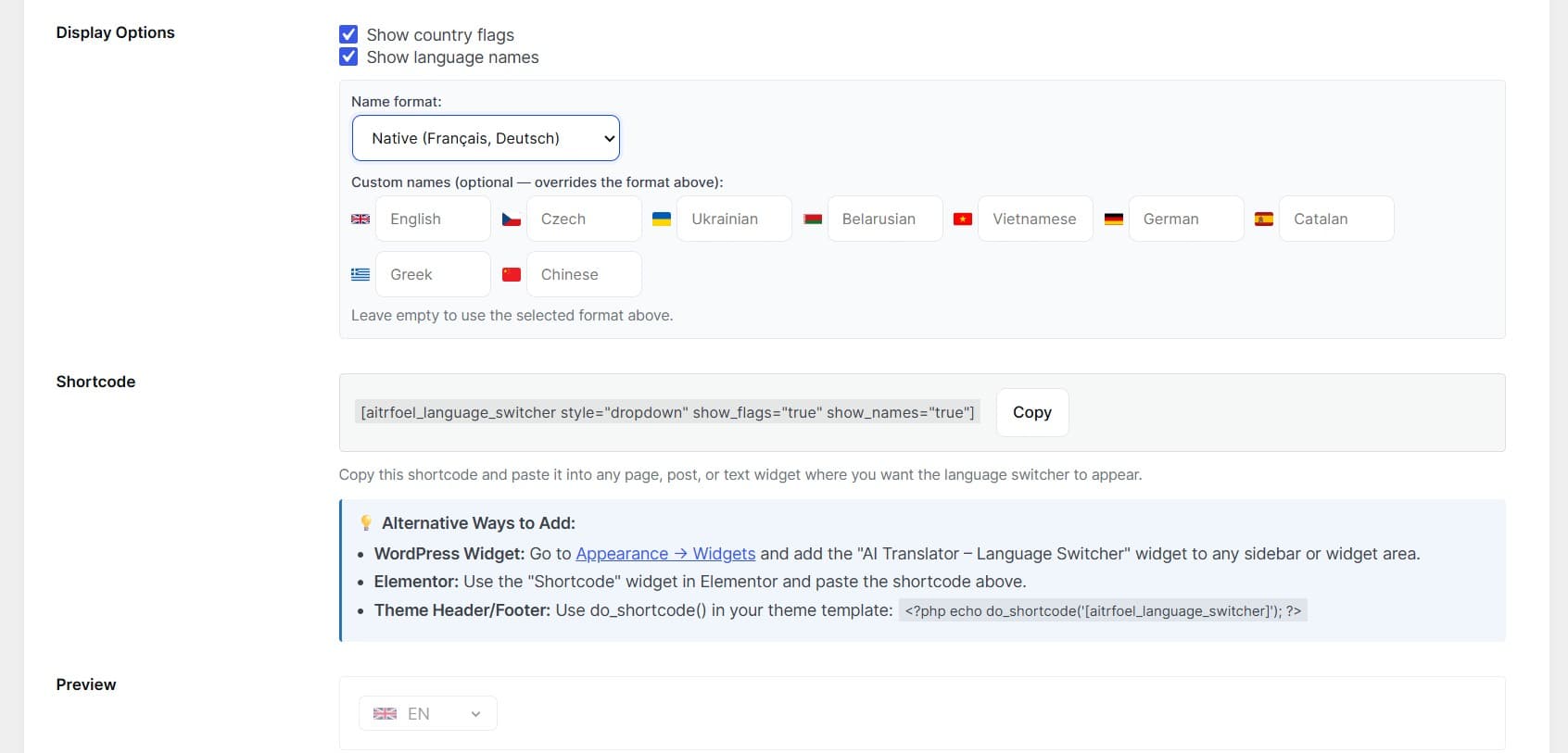
- Language switcher — drop it in a menu, widget area or footer so visitors can move between languages. Themes, flags and label options are built in.
Scale to the rest of the site
Once one page looks right, repeat for the rest — or use Translate All to batch the whole site and review as you go. WooCommerce stores get product names, descriptions and shop pages translated; blog posts, custom post types and even contact forms are covered too.
Frequently asked questions
Does AI translation break the Elementor layout?
No. The plugin translates only the text inside each widget and writes it back into the same Elementor structure, so columns, spacing, images and styles are preserved — the layout is never regenerated.
Do I need WPML or Polylang?
No. Language management is built in, so you can run a multilingual site with no other plugin. Polylang and WPML are supported if you already use them, but they're optional.
How much does it cost?
The free tier includes 7,200 translated words per month — enough for a small site. Larger sites and stores move to a paid plan and pay for words translated, not per language.
Can I edit the translation before it goes live?
Yes. Every translated page is a draft in a review screen where you can edit any segment and only then publish. Visitors never see anything until you approve it.
Translate your Elementor site this afternoon
Meep AI Translator keeps your layout intact, needs no WPML or Weglot, and starts free with 7,200 words a month. Install it, pick a language, and see your first translated page in a couple of minutes.