
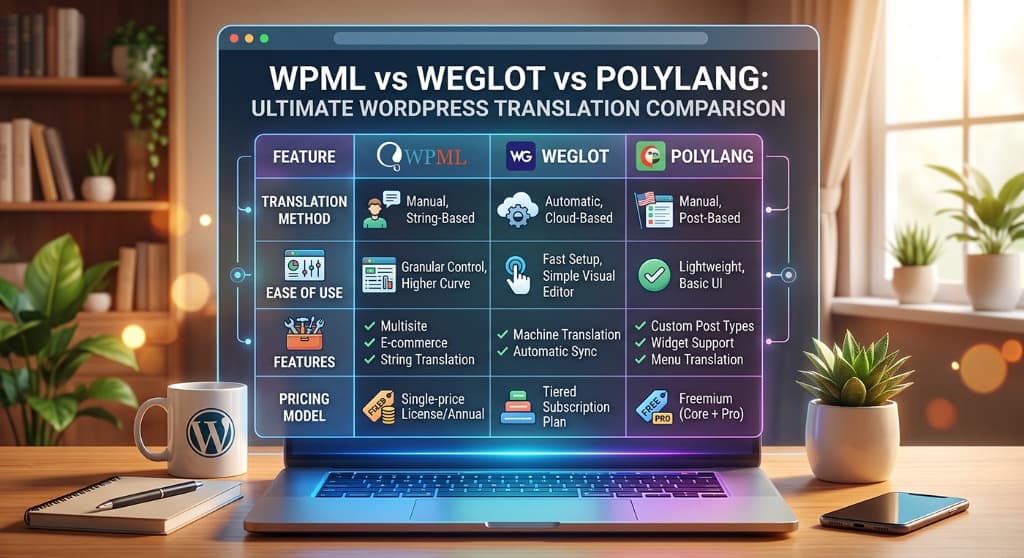
"What's the best way to translate a WordPress site?" doesn't have one answer, because the popular tools solve different problems. Some manage the structure of a multilingual site; some do the actual translating; some do both but rent you the result. Picking wrong means either a big bill or a lot of manual work. Here's how WPML, Weglot and Polylang really differ, and how to choose.
Note: exact pricing changes over time — always check each vendor's current plans. This comparison focuses on how each tool works, which is what actually decides the right fit.
| Tool | Pricing model | How it translates | Where translations live |
|---|---|---|---|
| Polylang | Free core + annual Pro license ($99/yr) | You translate (manual, or add-ons) | Your WordPress |
| WPML | Annual license (no free tier) | Manual, machine credits, or pro services | Your WordPress |
| Weglot | Monthly subscription (words × languages) | Automatic on connect | Weglot's servers |
| Meep AI Translator | Free tier + pay for words | AI, layout-safe for page builders | Your WordPress |
Polylang — great structure, bring your own translations
Polylang is the lightweight favourite for building a genuinely multilingual site. It creates a separate version of each page per language, handles the language switcher and clean per-language URLs, and stays out of your way. The free version covers a lot; Polylang Pro adds slugs, WooCommerce and more.
The catch: Polylang doesn't translate anything. It gives you the empty French and German slots — you still have to fill them, by hand or with an add-on. See our step-by-step guide to free AI translation for Polylang to fill them automatically in 60 seconds without breaking Elementor layouts.
WPML — the full professional CMS
WPML is the veteran all-in-one. Beyond structure it adds a translation-management layer: translator roles, a translation editor, glossaries, automatic translation via credits, and hand-off to professional translation services. If you run a large site with a formal translation workflow, it's hard to beat on features.
The trade-offs:There's no free tier, it's an annual license, and it's a large plugin with a real learning curve — some sites notice performance overhead on complex page builders.
Weglot — fastest setup, but you rent the result
Weglot wins on speed: connect it, pick languages, and your whole site is machine-translated in minutes, served on subdirectories or subdomains that are properly indexable. For a "live tomorrow" multilingual site, nothing is quicker.
The trade-offs:It's a recurring subscription priced on word counts and language pairs. As your site grows, the bill scales permanently. Plus, your translations live on Weglot's servers — cancel your plan and the translated pages disappear.
Why Meep AI Translator is a Practical WPML & Weglot Alternative
There is a clear gap between these models: an option that translates automatically like Weglot, but keeps the translations on your own site like Polylang and WPML, without a heavy setup or an eternal monthly subscription — and that specifically respects page-builder layouts.
That's the exact niche AI translation for Polylang & Elementor fills. Meep AI Translator parses Elementor, Gutenberg and WooCommerce content at the block level — so columns and styles stay intact — writes translations into your local database, and works either with Polylang/WPML or standalone with its own language switcher. It starts free (7,200 words a month), and you pay for words translated rather than a recurring per-language subscription.
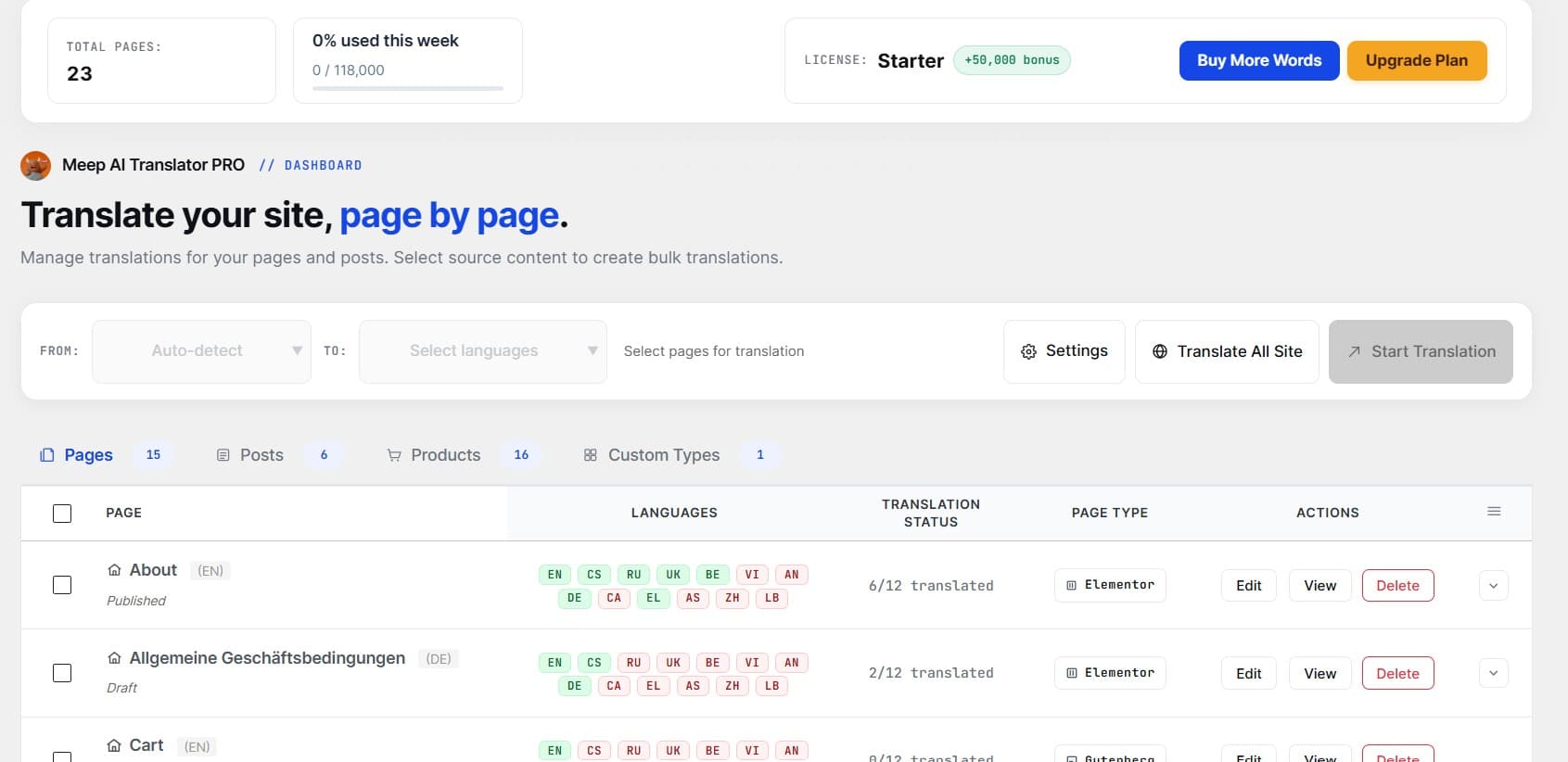
Cost comparison at scale (50,000 words over 2 years):
- • Weglot: ~$500–$700+ (ongoing monthly fee based on word count).
- • WPML: ~$198+ in license renewals + extra translation credit packs.
- • Meep AI Translator: $0 on free tier / one-time word packs or a single Lifetime Agency license ($299 once for 50 sites).
Quick verdict: Which should you pick?
- Just need structure and will translate yourself? Polylang.
- Large enterprise site with a dedicated human translation agency? WPML.
- Need it live tomorrow and don't mind a recurring subscription? Weglot.
- Building with Elementor, want layout-safe AI translations you own, starting free? Meep AI Translator — install directly on WordPress.org.
AI translation you own — starting free
Layout-safe AI translation for Elementor and WooCommerce, stored on your own site, working with Polylang or standalone. Try it on a real page in a couple of minutes.